



FedEx and SAP Business One
Freight rates and tracking details from FedEx, in your SAP Business One documents for quick, accurate billing.
Per SAP Business One database, unlimited users
- Licence key by email after payment
- Support included
- Card or bank transfer · prices before tax
Partners: sign in to see your partner price and buy for your customer.
Overview
What it connects
In SAP Business One
- Freight rates in the documents
- Shipment tracking details
- Less typing, so fewer wrong entries
How it works
Three steps to a running connector
Install
Install the Integration Hub add-on and the scenario installer once.
Set up
Switch on the FedEx connector in the administration console and enter the account details.
Map and start
Map the fields, run the first synchronisation, and let it run on its own.
Screens
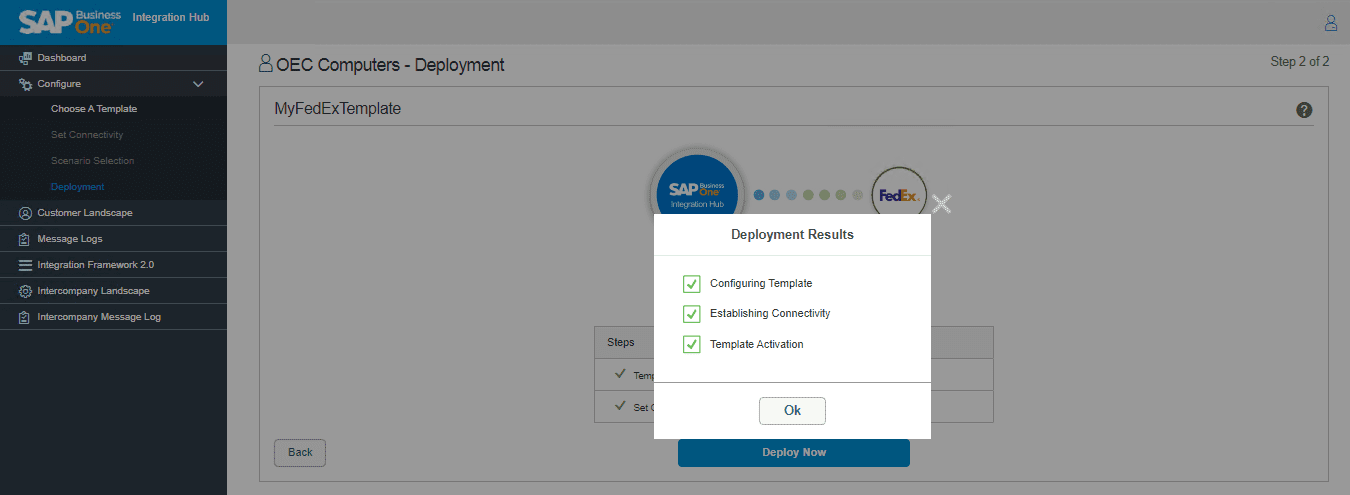
The set-up, screen by screen
4 screens. Scroll sideways to see them all.


Requirements
What you need
| Runs on | Your SAP Business One, on premise or in the cloud |
| Installed once | The Integration Hub add-on and the scenario installer, for every connector |
| You need | Your FedEx account |
| Licence | Per SAP Business One database, unlimited users. No Intercompany licence needed. |
| Help | Support is included · set-up videos · knowledge base |
Questions
Questions
No. Each connector is bought and used on its own.
No. A connector is priced per SAP Business One database, with unlimited users.
Yes. Buy the connectors you need now; add others at any time. Monthly connectors cost less each from the second one.
Integration Hub runs where your SAP Business One runs, on premise or in the cloud.
By email, once the payment is made.